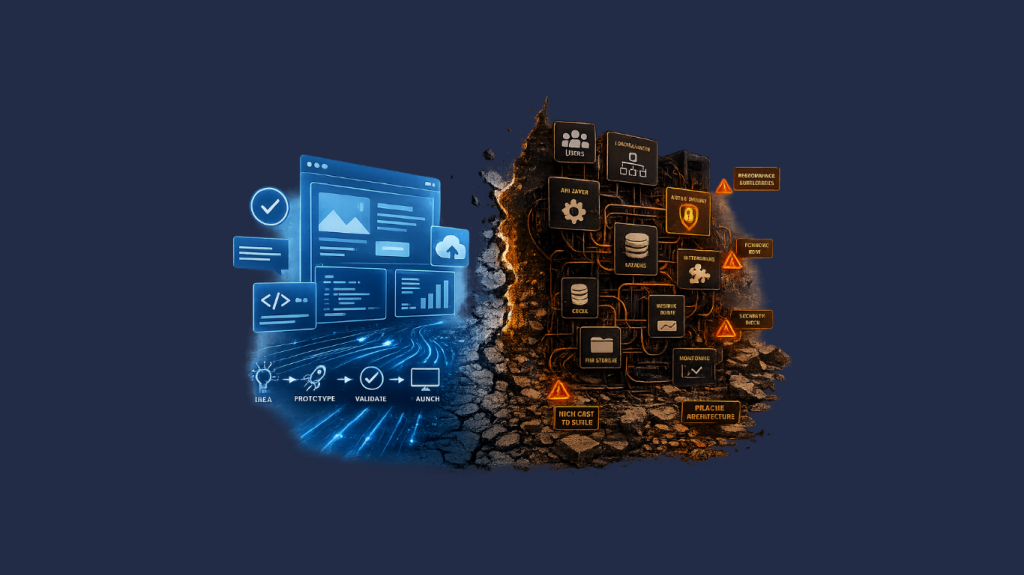

Laravel upgrades used to be fairly routine.
You reviewed the release notes, made a handful of changes, and moved on. The framework was intentionally forgiving, which made it easier to stay current without rethinking much of your architecture.
Laravel 13 doesn’t break that pattern entirely, but it does push things further than earlier versions.
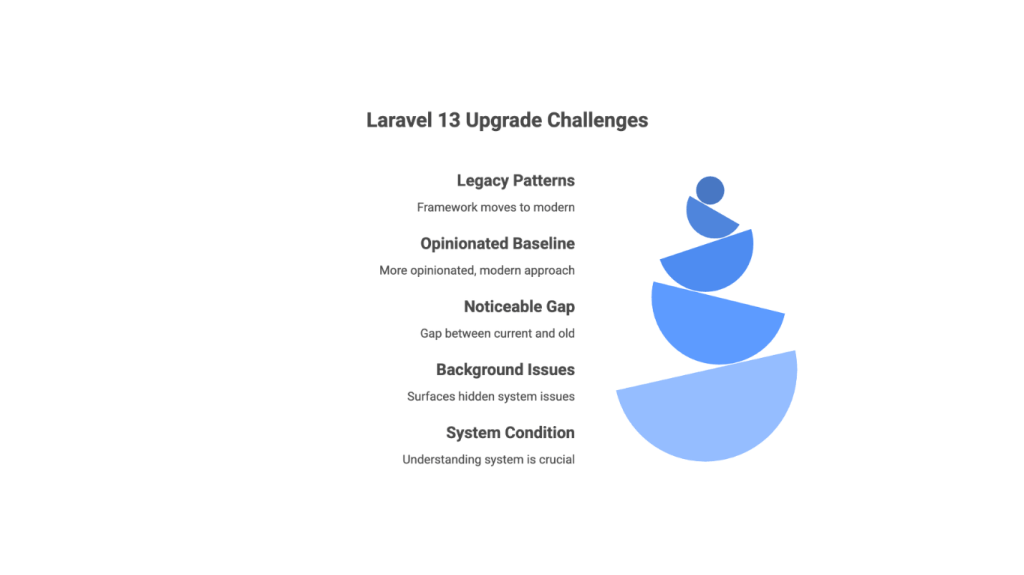
The framework continues to move away from legacy patterns and toward a more opinionated, modern baseline. That shift isn’t new, but the gap between “current Laravel” and older applications is more noticeable now.
For some teams, the upgrade will be straightforward. For others, it will surface issues that have been sitting in the background for a while.
That’s what makes this release worth paying attention to.
At this point, upgrading is less about the framework itself and more about understanding the condition of the system you’re upgrading.
The teams that move through upgrades efficiently tend to follow a consistent pattern. Not because it’s prescribed, but because it reduces uncertainty early and avoids rework later—an approach that often aligns with broader application modernization efforts.
What Actually Changed in Laravel 13
There isn’t a single headline feature driving Laravel 13. The impact comes from a collection of smaller changes that, taken together, tighten expectations around how applications are built.
Support for older patterns continues to fall away as Laravel aligns more closely with modern PHP. Features that were previously deprecated are now gone, which can create friction in codebases that haven’t been revisited recently.
There are also updates to core behavior—middleware handling, routing, queue execution—that assume a cleaner separation of concerns. These aren’t radical changes, but they do expose inconsistencies in applications that grew without a clear structure.
On the dependency side, Symfony components have been updated again, along with several Laravel-managed packages. In practice, this is often where teams hit the first obstacle. Composer conflicts tend to surface early, especially in projects that rely on older or poorly maintained packages.
None of these changes is unusual on its own. The difference is how little support there is now for older approaches.
Why This Upgrade Feels Different
If you’re already on Laravel 10 or 11, this upgrade will likely feel manageable. The experience changes when you’re further behind—or when the codebase has accumulated a lot of exceptions to how Laravel is meant to be used.
Laravel 13 assumes a certain baseline. Controllers aren’t overloaded with business logic. Services are clearly defined. Dependencies are maintained. There’s at least some level of test coverage.
When those conditions are in place, the upgrade behaves predictably.
When they’re not, the friction builds quickly. What starts as a framework upgrade turns into a broader effort to untangle parts of the application that no longer fit.
Where Most Teams Get Stuck
In most cases, the framework isn’t the problem. The issues come from how the application evolved.
One common pattern is hidden coupling. Logic spreads across controllers, views, and services in ways that make sense locally but are difficult to change later. During an upgrade, those connections become more obvious—and more fragile.
Dependencies are another sticking point. Packages that were added years ago can block progress if they’re no longer maintained or compatible. Replacing them isn’t always difficult, but it adds work in areas that weren’t originally part of the plan.
Custom fixes also come into play. Many teams have small overrides or patches—especially around authentication, queues, or file handling—that were introduced to solve specific problems. Over time, they become part of the system. When Laravel changes its internal behavior, those assumptions don’t always hold.
None of this is unusual. It’s just where upgrades tend to slow down.
Assessing Your Starting Point
Before moving forward, it’s worth getting a clear picture of where things stand.
Version distance matters. Moving from Laravel 12 is very different from moving from Laravel 8.
Structure matters just as much. Applications that follow Laravel conventions upgrade more cleanly. Systems that rely heavily on custom patterns usually require more work.
Dependencies are another signal. If several packages are outdated or unmaintained, that’s likely to show up early in the process.
Testing is harder to generalize, but it plays a role. You don’t need perfect coverage, but you do need enough visibility to know when something breaks.
There are also a few consistent indicators of higher risk: older versions, deprecated features still in use, limited automation, and no clear deployment pipeline. When those show up together, the upgrade tends to expand in scope.
The level of effort often comes down to how far behind your application is. The table below provides a general guide to upgrade complexity based on your current Laravel version.
Upgrade or Rebuild
At some point, the question shifts from “how” to “whether.”
If the application is relatively clean and aligned with current Laravel practices, a direct upgrade makes sense.
If not, the effort can start to feel disproportionate. You spend more time working around structural issues than actually upgrading the framework.
That’s where a partial rebuild can be the better option. Not a full rewrite, but a focused effort on the areas that are hardest to maintain or most likely to break.
For larger systems, a gradual approach often works better. New functionality is built using current patterns, while older parts of the system are replaced over time.
It’s slower, but it reduces risk.
👋 What is the biggest challenge you anticipate with a Laravel 13 upgrade?
As an official Laravel partner, Curotec helps teams navigate upgrades with clarity, precision, and minimal disruption.
Trusted by tech leaders at:



A Practical Upgrade Approach
The teams that move through upgrades efficiently tend to follow a consistent pattern. Not because it’s prescribed, but because it reduces uncertainty early and avoids rework later.
They start with dependencies.
This isn’t just a version check. It’s a full inventory of what the application relies on and whether those components are still viable. Some packages will upgrade cleanly. Others may be deprecated, partially supported, or incompatible with Laravel 13 altogether. Identifying those gaps upfront helps define the scope before any code changes begin.
From there, they stabilize the codebase. Not everything—just the parts that are most likely to cause problems. That often means isolating tightly coupled logic, removing clearly deprecated patterns, and introducing targeted test coverage around critical workflows. Even a small amount of validation in the right places can significantly reduce risk.
In many cases, teams supplement internal resources with flexible engineering support to accelerate upgrades without disrupting ongoing development work.
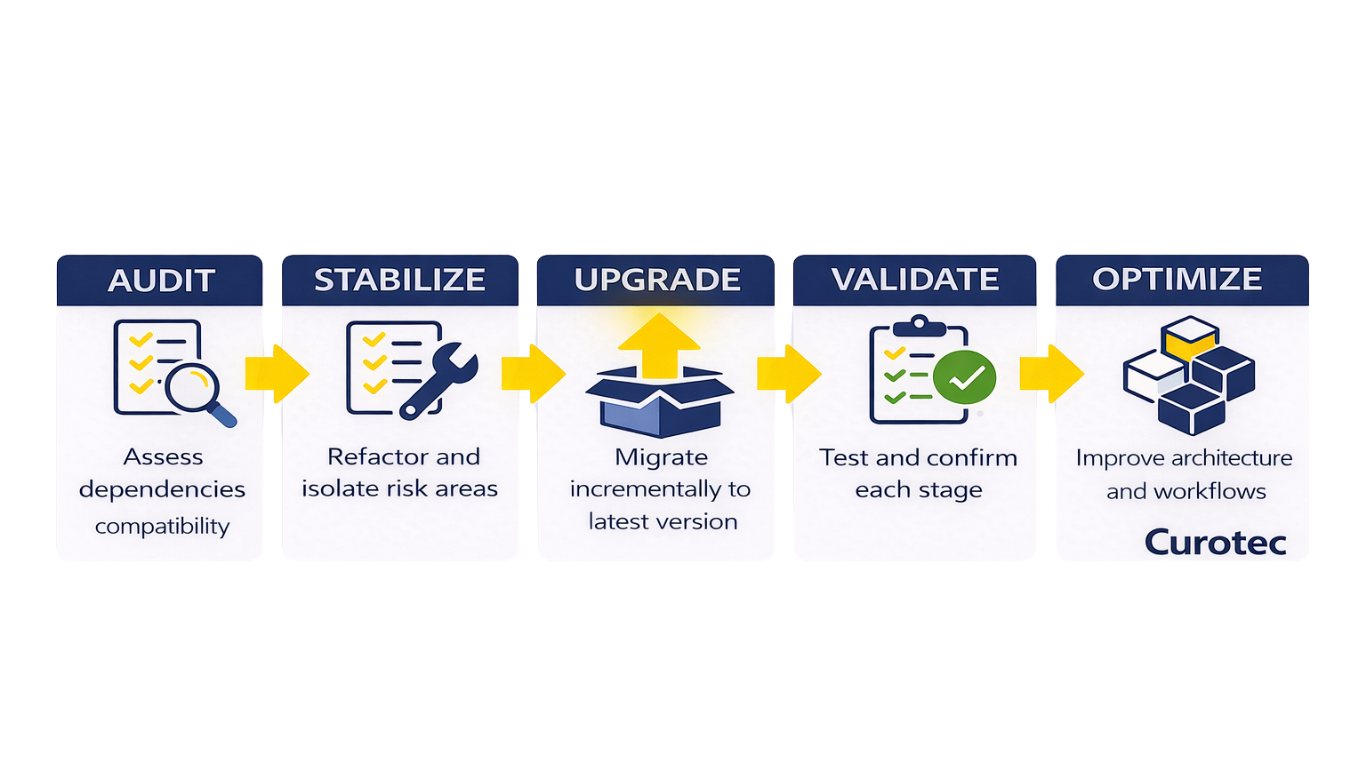
Once the codebase is stable enough to work with, upgrades can proceed incrementally. For applications that are several versions behind, stepping through intermediate Laravel releases is usually the most controlled approach. Each step provides a checkpoint—dependencies can be validated, breaking changes addressed, and behavior confirmed before moving forward. This approach takes longer than a direct jump, but it avoids compounding issues across multiple versions.
During the upgrade itself, teams that succeed tend to separate mechanical changes from structural ones.
Mechanical changes—updating syntax, resolving deprecations, aligning configurations—can be handled in sequence. Structural issues, such as reorganizing services or untangling business logic, are better addressed in parallel but with clear boundaries. Trying to solve both at once often slows progress.
After reaching Laravel 13, there is typically a second phase.
This is where the codebase is brought into closer alignment with how the framework is intended to be used today. Temporary workarounds introduced during the upgrade can be removed, service boundaries clarified, and newer patterns—particularly around queues, events, and modular design—applied more consistently.
The upgrade may be complete at that point, but most of the long-term value comes from this follow-up work.
Common Mistakes to Avoid
Some issues come up repeatedly.
Treating the upgrade as a quick task is one of them. Even when things go smoothly, there’s enough complexity that rushing tends to create problems.
Waiting too long to address dependencies is another. Most upgrade delays start there.
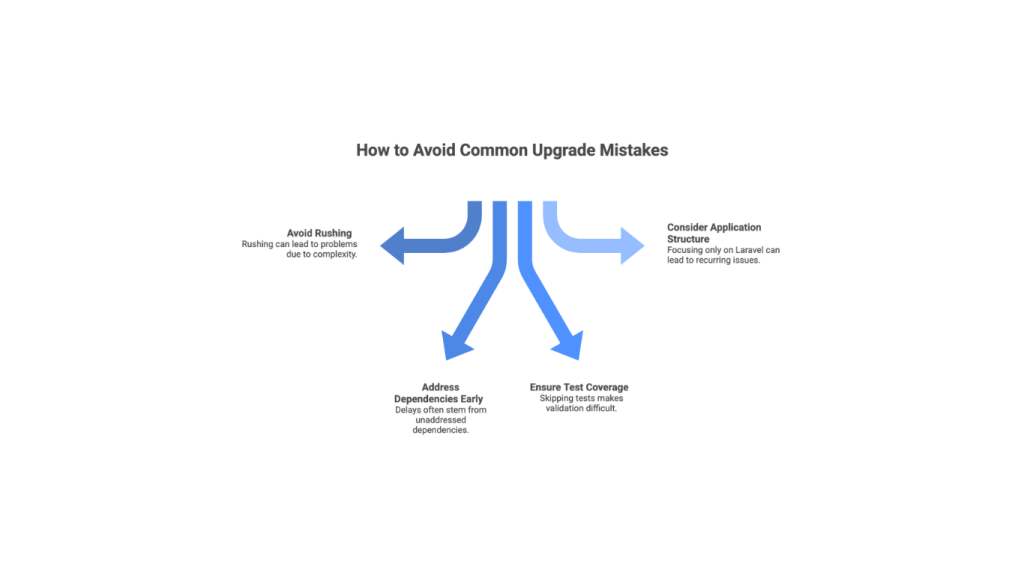
Skipping test coverage makes validation harder, especially as changes pile up.
And focusing only on Laravel—without addressing how the application is structured—usually leads to the same issues coming back later.
How Laravel 13 Shapes Long-Term Architecture
Laravel has been moving in a consistent direction for several versions, and Laravel 13 continues that trajectory.
There’s a stronger emphasis on separation of concerns, clearer service boundaries, and alignment with modern infrastructure. Queue-driven workflows and event-based patterns are no longer edge cases—they’re becoming standard expectations.
These shifts influence how teams approach custom software development, particularly when building systems that need to evolve alongside the framework.
Upgrading helps keep the application aligned with that direction. Over time, that alignment matters more than any individual feature.
Where AI Fits Into the Process
AI is starting to play a role, mostly in the early stages.
It can help identify deprecated patterns, surface potential compatibility issues, and suggest refactoring approaches. In some cases, it can also assist with generating test coverage or highlighting gaps in validation. That can accelerate preparation, particularly in larger or less-documented codebases.
AI is also useful for quickly mapping unfamiliar parts of an application—summarizing logic, tracing dependencies, or flagging areas that may require closer review before upgrading.
But the core decisions still require context.
Understanding where risk actually sits in the system—and what to prioritize—depends on how the application behaves in production, how teams interact with it, and which parts of the system are most critical to the business.
AI can support the process and reduce manual effort. It doesn’t replace the need for judgment or define the strategy.
What Success Looks Like
A successful upgrade is noticeable in small ways.
The codebase is easier to navigate. Changes don’t feel as fragile. Dependencies are current, and future upgrades look more manageable.
There’s also less friction day to day. Fewer edge cases, fewer unexpected issues, and a clearer structure overall.
That’s usually the point where the effort starts to pay off.
Not Sure If Your Laravel App Is Ready for Version 13?
The upgrade itself is rarely the most difficult part.
What matters more is the condition of the system you’re starting from—and how much of it needs to be addressed along the way.
Some teams can move quickly with minimal disruption. Others need a more deliberate approach to reduce risk and avoid rework.
Curotec works with teams to evaluate upgrade readiness, surface hidden constraints, and define a path forward that fits the application—not just the framework.
As an official Laravel partner, our team works directly within the Laravel ecosystem and brings hands-on experience across complex upgrades, refactors, and long-term modernization efforts. Talk to a Laravel expert today.